Install Bachelor Question Bank
on your phone.
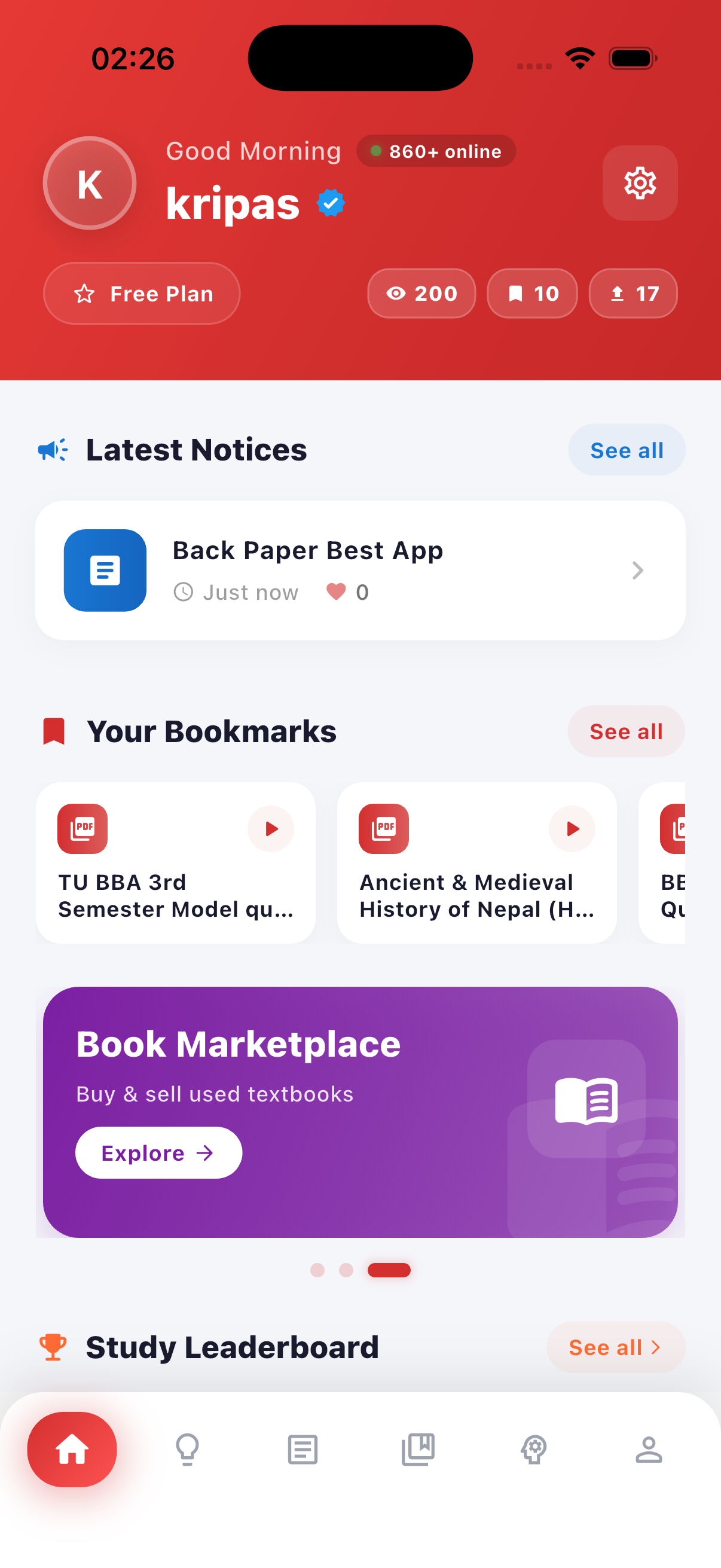
The full TU companion in your pocket — free question papers, solution PDFs, AI tutor, TU notices and the second-hand books marketplace.
Get it on Google Play
The fastest way to install — auto-updates, in-app reviews, and your existing Google account is all you need.
⬇ Open in Play StoreApp Store — not yet
The iOS build is in the works. For now Bachelor Question Bank is Android-only. Drop your email and we'll ping you the day it launches on the App Store.
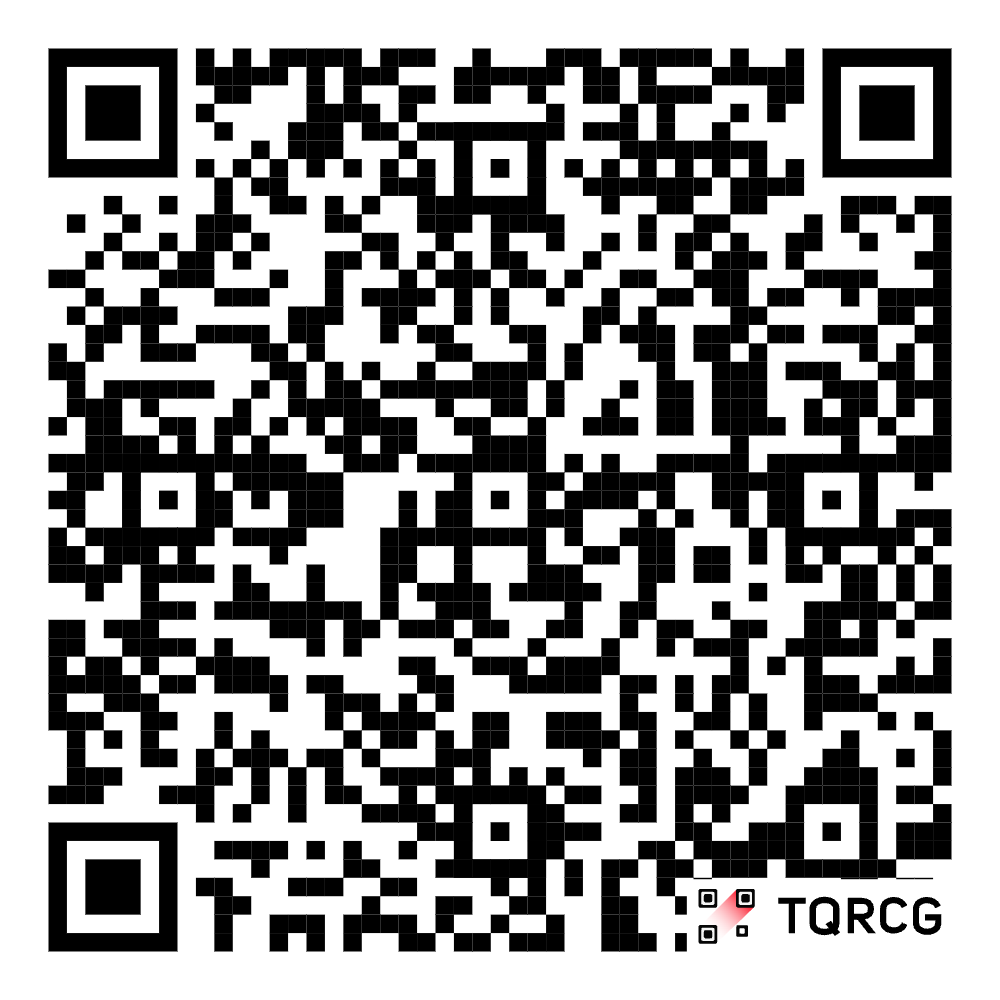
Open the camera. Point. Tap. Install.
No need to type anything. Scan the QR code with your phone camera — it'll open the right store automatically (Play Store on Android, App Store on iPhone).
Everything a TU student needs
One app, six powerful tools. Built specifically for Nepali bachelor students — not a generic global product.
Question papers
Thousands of TU past papers, free forever.
Solution PDFs
Step-by-step solutions, unlocked with Pro.
AI tutor
Image-to-solution and step-by-step explanations.
Study groups
Auto-match with classmates by college & year.
NTR rewards
Login streak, referrals — cash out via eSewa / Khalti.
Books marketplace
Sell & buy second-hand textbooks safely.
How to install (under a minute)
No tricks, no surprise sign-ups. Same flow whether you're on Android or iPhone.
Tap your store
Open Google Play (Android) or App Store (iOS). Search “Bachelor Question Bank” or scan the QR code on this page.
Install & open
Free download — about 30 MB. The app opens to a quick survey so we recommend the right TU program and year for you.
Sign up with phone
Phone number + password. No OTP wall on signup, just a 6-character password — and you're in. Welcome to TU made easy.